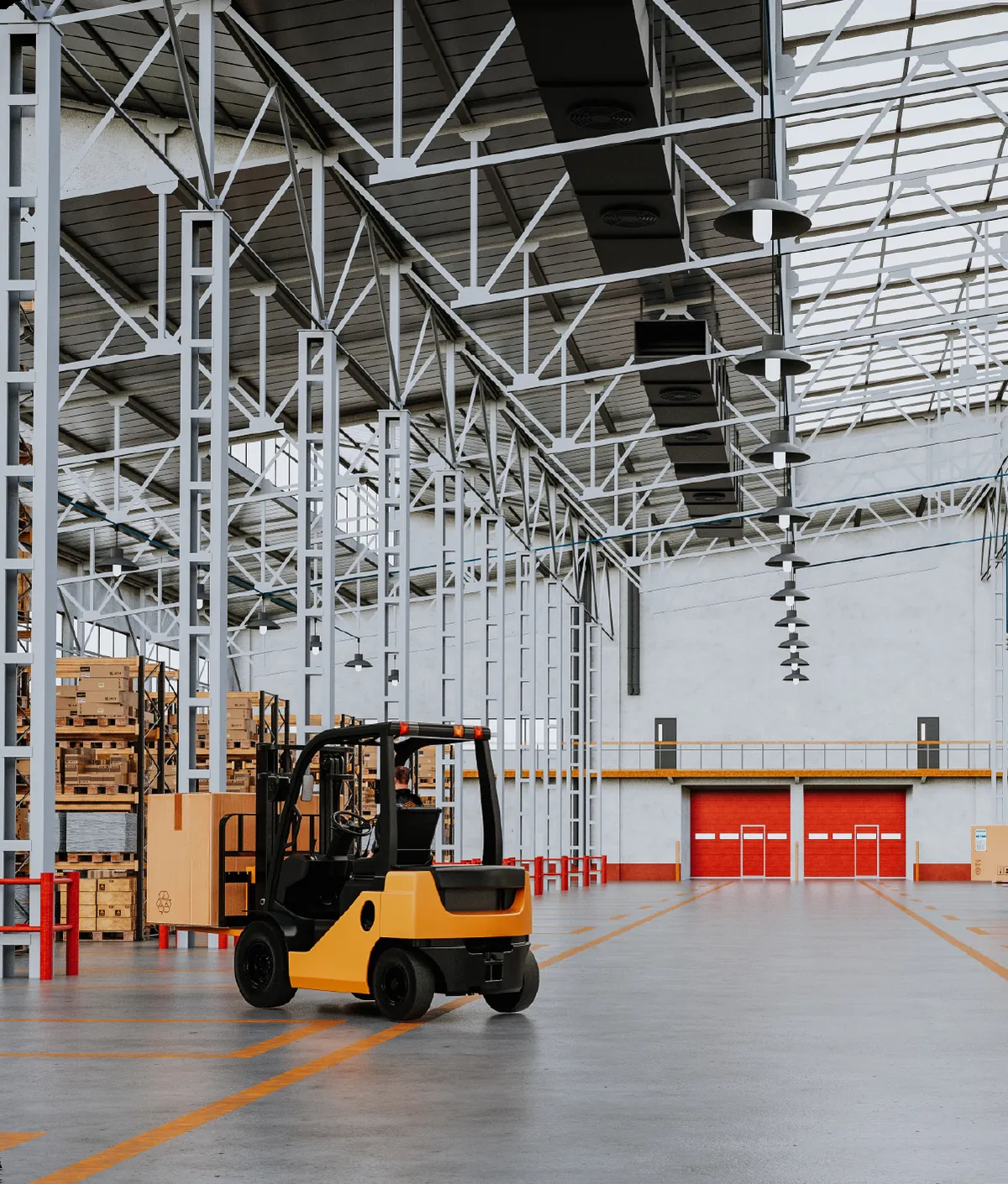
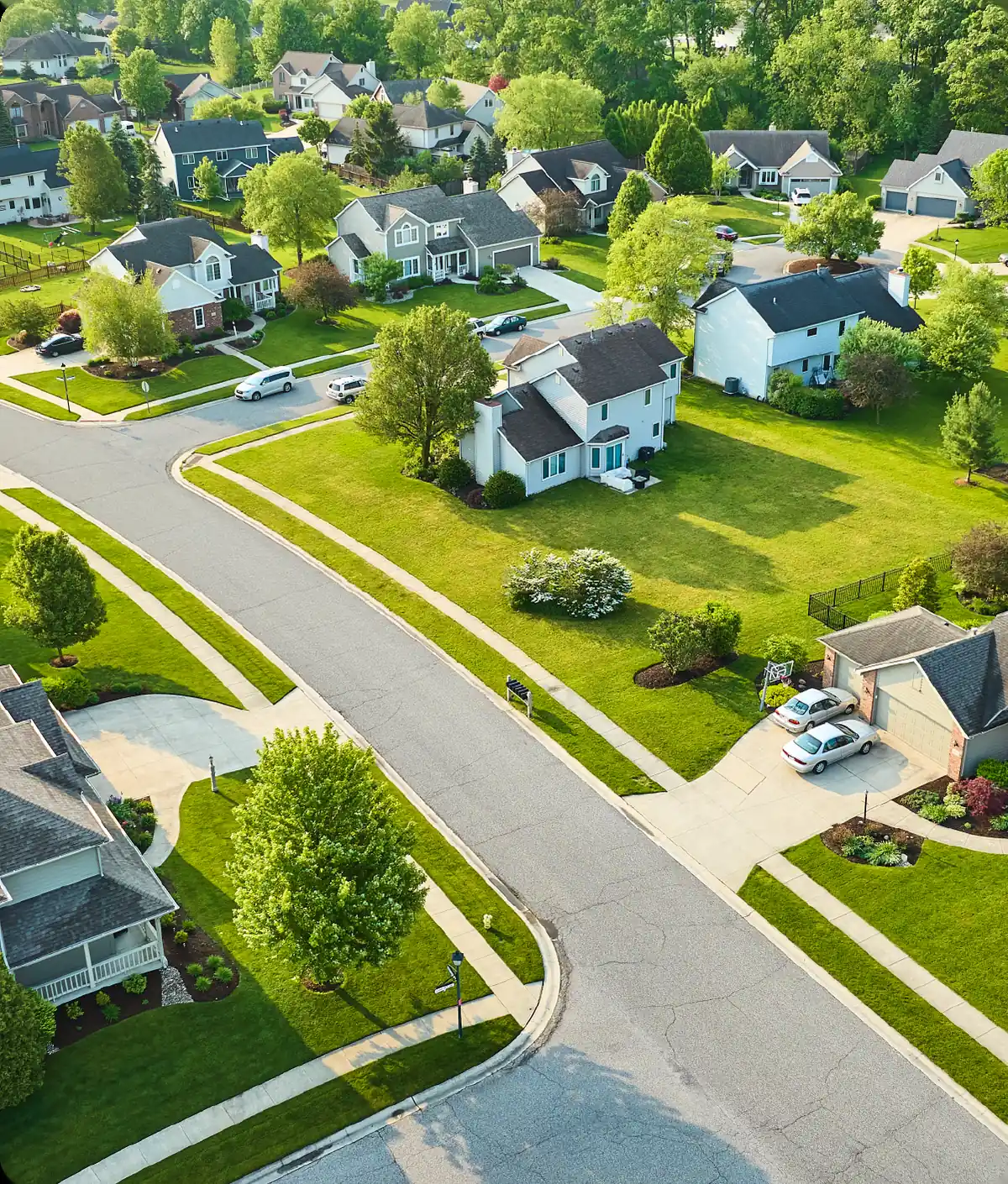
Pager for any nodes. The slot children are the pages: cards, images, anything. perPage sets how many show per view and step how many the rail advances per press. Round arrows, dots with the active one stretched and orange, and a touch or pen swipe page it, sideways by default or downwards with orientation.
Usage
<sui-carousel aria-label="Client work">
<div><img src="/docs/assets/imagery/construction.webp" alt="A framing crew on a site" style="width:100%;height:120px;object-fit:cover;border-radius:10px;display:block"></div>
<div><img src="/docs/assets/imagery/manufacturing.webp" alt="A machinist at a lathe" style="width:100%;height:120px;object-fit:cover;border-radius:10px;display:block"></div>
<div><img src="/docs/assets/imagery/real-estate.webp" alt="A row of offices at dusk" style="width:100%;height:120px;object-fit:cover;border-radius:10px;display:block"></div>
<div><img src="/docs/assets/imagery/nonprofits.webp" alt="Volunteers packing boxes" style="width:100%;height:120px;object-fit:cover;border-radius:10px;display:block"></div>
</sui-carousel>
<script type="module">
import { defineCustomElements } from "@shineui/core/loader";
import "@shineui/core/shineui.css";
defineCustomElements();
const el = document.querySelector("sui-carousel");
el.addEventListener("suiIndexChange", (e) => console.log(e.detail));
</script>
import { SuiCarousel } from "@shineui/react";
import "@shineui/core/shineui.css";
export function Example() {
return (
<SuiCarousel aria-label="Client work" onSuiIndexChange={(e) => console.log(e.detail)}>
<div><img src="/docs/assets/imagery/construction.webp" alt="A framing crew on a site" style="width:100%;height:120px;object-fit:cover;border-radius:10px;display:block"></div>
<div><img src="/docs/assets/imagery/manufacturing.webp" alt="A machinist at a lathe" style="width:100%;height:120px;object-fit:cover;border-radius:10px;display:block"></div>
<div><img src="/docs/assets/imagery/real-estate.webp" alt="A row of offices at dusk" style="width:100%;height:120px;object-fit:cover;border-radius:10px;display:block"></div>
<div><img src="/docs/assets/imagery/nonprofits.webp" alt="Volunteers packing boxes" style="width:100%;height:120px;object-fit:cover;border-radius:10px;display:block"></div>
</SuiCarousel>
);
}
<script setup>
import { SuiCarousel } from "@shineui/vue";
import "@shineui/core/shineui.css";
const onChange = (e) => console.log(e.detail);
</script>
<template>
<SuiCarousel aria-label="Client work" @sui-index-change="onChange"><div><img src="/docs/assets/imagery/construction.webp" alt="A framing crew on a site" style="width:100%;height:120px;object-fit:cover;border-radius:10px;display:block"></div>
<div><img src="/docs/assets/imagery/manufacturing.webp" alt="A machinist at a lathe" style="width:100%;height:120px;object-fit:cover;border-radius:10px;display:block"></div>
<div><img src="/docs/assets/imagery/real-estate.webp" alt="A row of offices at dusk" style="width:100%;height:120px;object-fit:cover;border-radius:10px;display:block"></div>
<div><img src="/docs/assets/imagery/nonprofits.webp" alt="Volunteers packing boxes" style="width:100%;height:120px;object-fit:cover;border-radius:10px;display:block"></div></SuiCarousel>
</template>
import { Component } from "@angular/core";
import { SuiCarousel } from "@shineui/angular";
@Component({
standalone: true,
imports: [SuiCarousel],
template: `<sui-carousel aria-label="Client work" [(index)]="index"><div><img src="/docs/assets/imagery/construction.webp" alt="A framing crew on a site" style="width:100%;height:120px;object-fit:cover;border-radius:10px;display:block"></div>
<div><img src="/docs/assets/imagery/manufacturing.webp" alt="A machinist at a lathe" style="width:100%;height:120px;object-fit:cover;border-radius:10px;display:block"></div>
<div><img src="/docs/assets/imagery/real-estate.webp" alt="A row of offices at dusk" style="width:100%;height:120px;object-fit:cover;border-radius:10px;display:block"></div>
<div><img src="/docs/assets/imagery/nonprofits.webp" alt="Volunteers packing boxes" style="width:100%;height:120px;object-fit:cover;border-radius:10px;display:block"></div></sui-carousel>`,
})
export class Example {
index = 0;
}
Basic
The slot children are the pages; each gets role="group" and a "2 of 4" name. The element is a region, so give it an aria-label that says what the rail holds. Touch and pen swipe it along whichever axis the rail runs; a mouse drag is left alone.
<sui-carousel aria-label="Client work">
<div><img src="/docs/assets/imagery/construction.webp" alt="A framing crew on a site" style="width:100%;height:120px;object-fit:cover;border-radius:10px;display:block"></div>
<div><img src="/docs/assets/imagery/manufacturing.webp" alt="A machinist at a lathe" style="width:100%;height:120px;object-fit:cover;border-radius:10px;display:block"></div>
<div><img src="/docs/assets/imagery/real-estate.webp" alt="A row of offices at dusk" style="width:100%;height:120px;object-fit:cover;border-radius:10px;display:block"></div>
<div><img src="/docs/assets/imagery/nonprofits.webp" alt="Volunteers packing boxes" style="width:100%;height:120px;object-fit:cover;border-radius:10px;display:block"></div>
</sui-carousel>
Visible and step
per-page sets how many pages show at once and step how many a press advances; step defaults to per-page. Three showing and one per press is the product-rail shape, with no dead space on the last page.
<div style="display:flex;flex-direction:column;gap:16px">
<sui-carousel per-page="2" aria-label="Industry highlights">
<div><img src="/docs/assets/imagery/construction.webp" alt="A framing crew on a site" style="width:100%;height:120px;object-fit:cover;border-radius:10px;display:block"></div>
<div><img src="/docs/assets/imagery/manufacturing.webp" alt="A machinist at a lathe" style="width:100%;height:120px;object-fit:cover;border-radius:10px;display:block"></div>
<div><img src="/docs/assets/imagery/real-estate.webp" alt="A row of offices at dusk" style="width:100%;height:120px;object-fit:cover;border-radius:10px;display:block"></div>
<div><img src="/docs/assets/imagery/nonprofits.webp" alt="Volunteers packing boxes" style="width:100%;height:120px;object-fit:cover;border-radius:10px;display:block"></div>
</sui-carousel>
<sui-carousel per-page="3" step="1" aria-label="Service lines">
<div><img src="/docs/assets/imagery/construction.webp" alt="A framing crew on a site" style="width:100%;height:120px;object-fit:cover;border-radius:10px;display:block"></div>
<div><img src="/docs/assets/imagery/manufacturing.webp" alt="A machinist at a lathe" style="width:100%;height:120px;object-fit:cover;border-radius:10px;display:block"></div>
<div><img src="/docs/assets/imagery/real-estate.webp" alt="A row of offices at dusk" style="width:100%;height:120px;object-fit:cover;border-radius:10px;display:block"></div>
<div><img src="/docs/assets/imagery/nonprofits.webp" alt="Volunteers packing boxes" style="width:100%;height:120px;object-fit:cover;border-radius:10px;display:block"></div>
<div><img src="/docs/assets/imagery/construction.webp" alt="A framing crew on a site" style="width:100%;height:120px;object-fit:cover;border-radius:10px;display:block"></div>
</sui-carousel>
</div>
Vertical
orientation="vertical" stacks the pages and pages downwards: the arrows sit above and below, ArrowUp and ArrowDown page, and height sets the viewport (300px when unset). The swipe turns with the rail, so a finger drag up and down pages it and a sideways drag is left to the page.
<div style="max-width:360px">
<sui-carousel orientation="vertical" height="200" per-page="1" aria-label="Industry highlights, vertical">
<div style="height:100%"><img src="/docs/assets/imagery/construction.webp" alt="A framing crew on a site" style="width:100%;height:100%;object-fit:cover;border-radius:10px;display:block"></div>
<div style="height:100%"><img src="/docs/assets/imagery/manufacturing.webp" alt="A machinist at a lathe" style="width:100%;height:100%;object-fit:cover;border-radius:10px;display:block"></div>
<div style="height:100%"><img src="/docs/assets/imagery/real-estate.webp" alt="A row of offices at dusk" style="width:100%;height:100%;object-fit:cover;border-radius:10px;display:block"></div>
<div style="height:100%"><img src="/docs/assets/imagery/nonprofits.webp" alt="Volunteers packing boxes" style="width:100%;height:100%;object-fit:cover;border-radius:10px;display:block"></div>
</sui-carousel>
</div>
Loop
circular wraps past either end, and the arrows never disable.
<sui-carousel per-page="2" circular aria-label="Industry highlights, looping">
<div><img src="/docs/assets/imagery/construction.webp" alt="A framing crew on a site" style="width:100%;height:120px;object-fit:cover;border-radius:10px;display:block"></div>
<div><img src="/docs/assets/imagery/manufacturing.webp" alt="A machinist at a lathe" style="width:100%;height:120px;object-fit:cover;border-radius:10px;display:block"></div>
<div><img src="/docs/assets/imagery/real-estate.webp" alt="A row of offices at dusk" style="width:100%;height:120px;object-fit:cover;border-radius:10px;display:block"></div>
<div><img src="/docs/assets/imagery/nonprofits.webp" alt="Volunteers packing boxes" style="width:100%;height:120px;object-fit:cover;border-radius:10px;display:block"></div>
</sui-carousel>
Autoplay
autoplay is the interval in milliseconds; the rail loops only with circular. A pause control sits first in the tab order; a second press starts the rail again. The rail waits on hover, on focus inside it and on a hidden tab, stops for good on the first arrow, dot, key or swipe, and never runs under reduced motion.
<sui-carousel per-page="2" autoplay="3000" circular aria-label="Industry highlights, autoplay">
<div><img src="/docs/assets/imagery/construction.webp" alt="A framing crew on a site" style="width:100%;height:120px;object-fit:cover;border-radius:10px;display:block"></div>
<div><img src="/docs/assets/imagery/manufacturing.webp" alt="A machinist at a lathe" style="width:100%;height:120px;object-fit:cover;border-radius:10px;display:block"></div>
<div><img src="/docs/assets/imagery/real-estate.webp" alt="A row of offices at dusk" style="width:100%;height:120px;object-fit:cover;border-radius:10px;display:block"></div>
<div><img src="/docs/assets/imagery/nonprofits.webp" alt="Volunteers packing boxes" style="width:100%;height:120px;object-fit:cover;border-radius:10px;display:block"></div>
</sui-carousel>
Arrows and dots
Both show by default. hide-arrows leaves the dots and the swipe; hide-dots leaves the arrows. Keep one of the two, because only touch and pen can swipe.
<div style="display:flex;flex-direction:column;gap:16px">
<sui-carousel per-page="2" hide-arrows aria-label="Industry highlights, dots only">
<div><img src="/docs/assets/imagery/construction.webp" alt="A framing crew on a site" style="width:100%;height:120px;object-fit:cover;border-radius:10px;display:block"></div>
<div><img src="/docs/assets/imagery/manufacturing.webp" alt="A machinist at a lathe" style="width:100%;height:120px;object-fit:cover;border-radius:10px;display:block"></div>
<div><img src="/docs/assets/imagery/real-estate.webp" alt="A row of offices at dusk" style="width:100%;height:120px;object-fit:cover;border-radius:10px;display:block"></div>
<div><img src="/docs/assets/imagery/nonprofits.webp" alt="Volunteers packing boxes" style="width:100%;height:120px;object-fit:cover;border-radius:10px;display:block"></div>
</sui-carousel>
<sui-carousel per-page="2" hide-dots aria-label="Industry highlights, arrows only">
<div><img src="/docs/assets/imagery/construction.webp" alt="A framing crew on a site" style="width:100%;height:120px;object-fit:cover;border-radius:10px;display:block"></div>
<div><img src="/docs/assets/imagery/manufacturing.webp" alt="A machinist at a lathe" style="width:100%;height:120px;object-fit:cover;border-radius:10px;display:block"></div>
<div><img src="/docs/assets/imagery/real-estate.webp" alt="A row of offices at dusk" style="width:100%;height:120px;object-fit:cover;border-radius:10px;display:block"></div>
<div><img src="/docs/assets/imagery/nonprofits.webp" alt="Volunteers packing boxes" style="width:100%;height:120px;object-fit:cover;border-radius:10px;display:block"></div>
</sui-carousel>
</div>
Controlled index and events
index is a mutable prop and suiIndexChange fires after every arrow, dot, swipe, arrow-key and autoplay move with the new page. Bind one, listen to the other: a host write moves the rail and emits nothing, so these two buttons refresh the readout themselves.
Page 1 of 2
<div style="display:flex;flex-direction:column;gap:10px">
<sui-carousel id="car-controlled" per-page="2" aria-label="Industry highlights, controlled">
<div><img src="/docs/assets/imagery/construction.webp" alt="A framing crew on a site" style="width:100%;height:120px;object-fit:cover;border-radius:10px;display:block"></div>
<div><img src="/docs/assets/imagery/manufacturing.webp" alt="A machinist at a lathe" style="width:100%;height:120px;object-fit:cover;border-radius:10px;display:block"></div>
<div><img src="/docs/assets/imagery/real-estate.webp" alt="A row of offices at dusk" style="width:100%;height:120px;object-fit:cover;border-radius:10px;display:block"></div>
<div><img src="/docs/assets/imagery/nonprofits.webp" alt="Volunteers packing boxes" style="width:100%;height:120px;object-fit:cover;border-radius:10px;display:block"></div>
</sui-carousel>
<div style="display:flex;gap:10px;align-items:center">
<sui-button variant="outline" size="sm" id="car-prev" label="Previous"></sui-button>
<sui-button variant="outline" size="sm" id="car-next" label="Next"></sui-button>
<span id="car-readout" style="font:460 13px/1.6 var(--font-sans);color:var(--ink-muted)">Page 1 of 2</span>
</div>
</div>
Page back or forward on a horizontal rail while focus is anywhere inside it, stopping at the ends unless circular is set.
ArrowUpArrowDown
The same on a vertical rail. A vertical rail leaves the sideways keys to whatever is inside its pages.
Tab
Moves through the pause control, the arrows, anything focusable inside the pages, and the active dot, which is the dot row's one tab stop. Paging carries that stop and the focus with it.
EnterSpace
Press the focused control, arrow or dot.
API
<sui-carousel>
Properties
Property
Attribute
Type
Default
Description
autoplay
autoplay
numbernumber | undefined
Milliseconds between automatic advances; unset or 0 leaves the rail still. Setting it adds a pause control above the rail, the reader's way to stop the motion. It also waits while the pointer is over the rail, while focus is inside it and while the tab is hidden, stops for good on the first navigation the user makes, and never runs for a user who asked for reduced motion. At the last page it wraps when circular is set and stops otherwise.
circular
circular
boolean
false
Wraps past either end instead of stopping there. The arrows never disable while it is set.
height
height
number | string | undefined
Viewport height for a vertical rail: a number of px or any CSS length, 300px when unset. A horizontal rail ignores it, because its pages set their own height.
hideArrows
hide-arrows
boolean
false
Hides the round previous and next arrows, which show by default, for a swipe-and-dots rail. The same prop as on sui-galleria.
hideDots
hide-dots
boolean
false
Hides the page dots under the viewport, which show by default.
index
index
number
0
Current page (0-based). Mutable; the element updates it on arrow, dot, swipe, keyboard and autoplay navigation.
orientation
orientation
SuiCarouselOrientation"horizontal" | "vertical"
'horizontal'
horizontal (default) runs the pages sideways with the arrows either side. vertical stacks them and pages downwards: the arrows sit above and below, ArrowUp and ArrowDown page, the swipe runs up and down, and the viewport takes height. Unknown values fall back to horizontal.
perPage
per-page
number
1
Items shown per view, PrimeVue's numVisible. It is a count, not the boolean visible that shows or hides an element elsewhere, which is why it has its own name.
step
step
numbernumber | undefined
Items advanced per press, PrimeVue's numScroll. Defaults to perPage, which pages a whole viewport at a time. per-page="3" step="1" is the product-rail shape: three cards showing, one card per press, and no dead space on the last page.
Events
Event
Detail
React
Vue
Description
suiIndexChange
number
onSuiIndexChange
@sui-index-change
Fires after navigation by the user or by autoplay; detail is the new page index. Does not bubble.
Methods
Method
Signature
Description
setFocus()
setFocus() => Promise<void>
Moves focus to the rail's first control that takes it, in tab order: the pause control, then an arrow that is not disabled, then the current page's dot. Focus inside a page is the page's own. The host's own focus() does the same, so a framework ref or a form library reaches the rail; a rail with its arrows and dots hidden and no autoplay has no tab stop and keeps focus where it is.
Slots
Slot
Description
(default)
The pages. Any elements; each direct child is one item and receives role="group", aria-roledescription="slide" and a "2 of 4" name unless it already has one. The list is re-read when children change, so pages can be added or removed after connection.
Types
SuiCarouselOrientationtypeWhich way the rail runs.
No members.
Theming
Every design token this element can render with, read from its own stylesheets and the ones it imports. Set a token on :root or on any ancestor and every use below follows it. The values shown are the ones in the theme you are viewing. The list is read per stylesheet, so an element that imports a shared drawing module lists that module's tokens too, whether or not it paints with all of them.